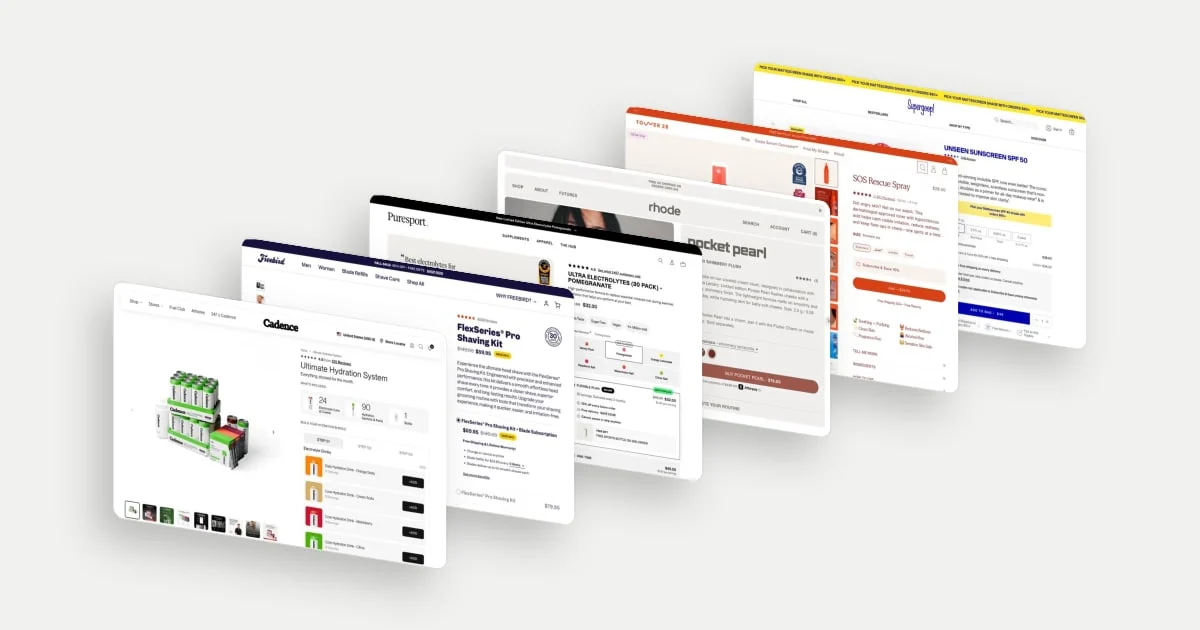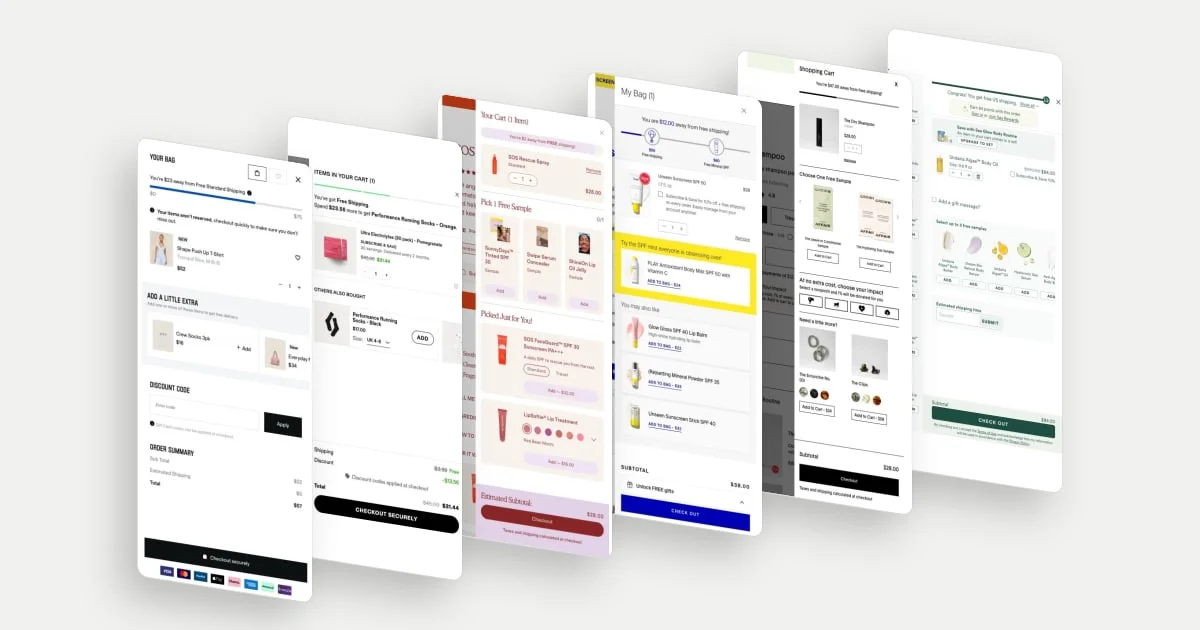
A cart drawer is a panel that lets shoppers review a basket without moving to a separate cart page. Its first job is confirmation: the right product, the right variant, the right commitment and a clear next step. Merchandising has to fit around that job.
These ten ecommerce cart drawer examples were selected for different approaches to shipping incentives, samples, add-ons and subscriptions. “Best” means each drawer shows a clear, deliberate approach worth studying; it does not mean they have the highest conversion rates. The September–October 2026 screenshots show populated desktop states. Controls, focus handling and checkout flows were not interaction-tested.
Three jobs to keep in order
- Confirm the order. Product, variant, quantity, price and any recurring terms need to remain understandable.
- Resolve the next uncertainty. Shipping cost, delivery timing or a missing selection may matter more than another recommendation.
- Offer a relevant addition. An extra should have a clear relationship to the basket and an understandable price.
Baymard’s cart research warns that irrelevant recommendations can undermine trust and add distraction, particularly on mobile. Relevance is more useful than filling a fixed number of recommendation slots. That supports a design principle, not a claim that the featured drawers produced a sales lift. Read the cart recommendation research.
10 ecommerce cart drawer examples
1. Gymshark: make the shipping tradeoff concrete
Gymshark’s drawer shows a remaining spend for free shipping, an accessory recommendation and an order summary that includes estimated shipping. Those elements give the shopper enough information to weigh buying more against paying delivery.
Placing an inexpensive accessory beside the remaining-spend message gives the shopper a concrete, low-cost way to move towards the threshold, while the estimated shipping line keeps the cost of finishing now in plain view.
Explore Gymshark in the library.
2. Puresport: confirm the plan already chosen
Puresport repeats the electrolyte flavour, subscription status, serving count and delivery interval in the cart. The drawer also separates free shipping already earned from the additional spend needed for a gift, with a size selector on a recommended pair of socks.
Repeating the plan makes the cart a useful checkpoint. Someone can verify what they selected before proceeding, rather than relying on memory of the product page. The recommended socks carry their own size selector, so the shopper can choose a fit without leaving the cart.
Explore Puresport in the library.
3. Tower 28: separate a free sample from a paid addition
Tower 28 follows the selected spray with a clearly labelled free-sample choice and a separate paid recommendation area. The recommendations include product details and, where relevant, size or shade choices.
Sampling offers a way to introduce something unfamiliar without asking the shopper to buy it immediately. A paid addition asks for more money now. Separating those propositions helps the reader understand the commitment attached to each action.
Explore Tower 28 in the library.
4. Supergoop: make multiple incentives distinguishable
Supergoop shows separate milestones for free shipping and a free product, alongside a subscription checkbox and several paid additions. The drawer presents several ways to change the order, each with a different reward or commitment.
A milestone display can help explain why a shopper might add more. The subscription option is a different proposition because it changes future purchasing as well as the current offer. Showing the free-shipping and free-product milestones separately lets the shopper see which reward each spend level unlocks, and the subscription checkbox keeps that longer-term choice distinct from the one-time additions.
Explore Supergoop in the library.
5. Crown Affair: extend the product into a complementary routine
Crown Affair’s desktop drawer shows the selected dry shampoo, a free-sample choice and accessory suggestions such as clips and a scrunchie. The paid additions relate to the broader hair routine without replacing the product already chosen.
That relevance gives the cross-sell a plausible role: the shopper may discover something useful alongside an existing purchase. The free-sample choice sits alongside, so the shopper can try something new at no cost while the paid suggestions stay clearly secondary to the chosen product. This example draws on the desktop state.
Explore Crown Affair in the library.
6. OSEA: explain why a set relates to the item in the cart
OSEA introduces a set upgrade by explaining that an item in the basket is included in that set. The drawer also provides sample choices, a gift-message option and a postcode field for estimated shipping time.
The set explanation is more informative than a generic “you may also like” prompt: it tells the shopper why this offer is connected to their selection. Alongside it, the postcode field lets the shopper check estimated delivery timing before reaching checkout.
Explore OSEA in the library.
7. Dieux: keep recommendations close to the original use
Dieux places two moisturisers beneath a selected serum under a pairing label, while preserving a separate subtotal and checkout area. The suggestions include names, short descriptors and prices rather than relying on thumbnails alone.
The pairing is legible as a possible routine addition. The descriptors give the shopper a starting point for judging relevance. The relatively spare drawer also shows that recommendations need not occupy every available space: two described suggestions leave the subtotal and checkout area easy to find.
Explore Dieux in the library.
8. Freebird: keep the recurring obligation visible at checkout
Freebird’s drawer gives the shaving kit most of the space, repeats the blade-refill interval and confirms free shipping. A prominent checkout button sits beneath the subtotal with little additional merchandising in the captured state.
That restraint keeps attention on reviewing the offer already chosen. Repeating the refill interval is especially useful because the kit is tied to a recurring product. With little competing merchandising, the subtotal and checkout button are easy to find once the shopper has reviewed the kit.
Explore Freebird in the library.
9. OLIPOP: offer a repeat-purchase route beside the current item
OLIPOP places a subscription-upgrade action beneath the chosen 12-pack, with other flavours in a separate recommendation area. Its shipping message offers two possible routes to the benefit: spending more or subscribing.
The distinction gives the shopper a choice between a larger current order and a continuing arrangement. Placing the upgrade directly beneath the 12-pack ties it to the item already chosen, while the other flavours sit in their own area, so the two kinds of offer stay easy to tell apart.
Explore OLIPOP in the library.
10. Cadence: make the composition of an offer visible
Cadence’s desktop drawer lists gift items separately from the paid drink and repeats a delivery interval with subscription information. That makes the offer’s components inspectable instead of leaving the shopper to remember a promotion from the product page.
The useful principle is confirmation: distinguish what is charged, what is included and what will recur. Showing the gifts as their own lines, next to the repeated delivery interval, gives the shopper one place to check the whole arrangement before checkout.
Explore Cadence in the library.