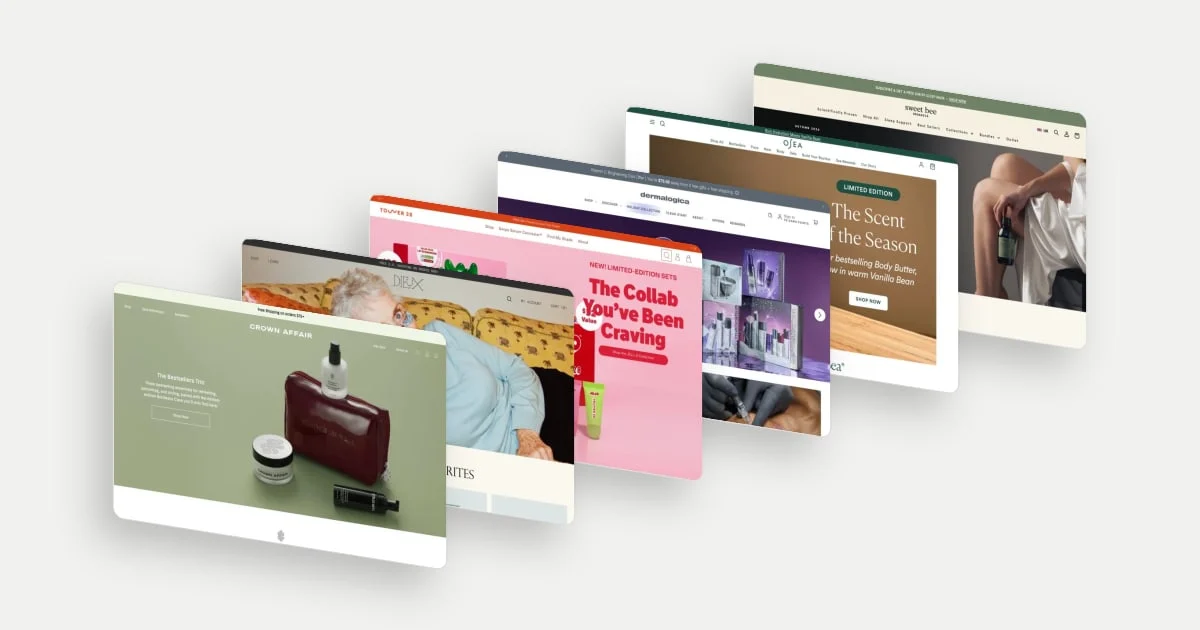
An ecommerce hero section should help a visitor understand what is on offer and choose a useful next step. That step might be shopping a product, finding a fit or signing up for a launch. The strongest idea depends on what the visitor needs to know at that moment.
These ten examples were selected for distinct approaches to that problem: demonstration, outcome-led copy, guided choice, new products and seasonal campaigns. “Best” is an editorial selection, not a conversion ranking. The desktop captures date from September and October 2026 and show individual states, not tested interactions or measured outcomes.
Choose the job before choosing the layout
- Explain: show the category, use or meaningful difference when visitors need an introduction.
- Direct: name the product or collection when the campaign has a specific destination.
- Guide: offer help when choosing correctly is the obstacle.
- Prepare: collect interest when the product is not available yet.
A short headline is useful if it carries the right information. A second button is useful if it answers a different need. Neither is a rule to apply without context.
10 ecommerce hero section examples
1. Graza: put the product inside a recognisable occasion
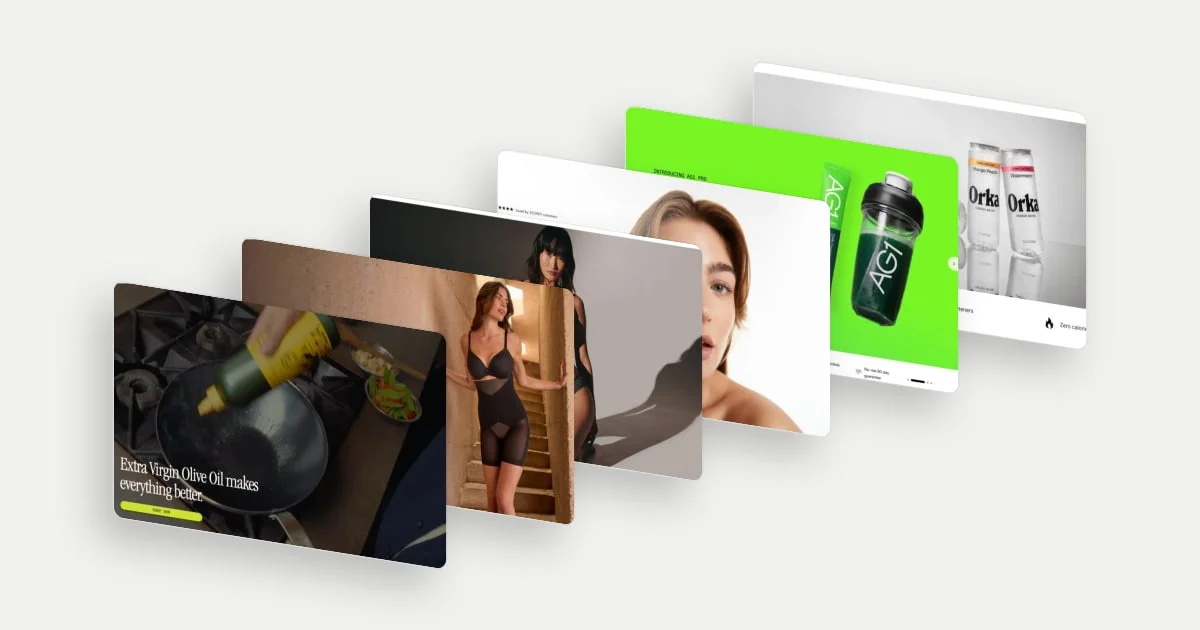
Graza shows oil being squeezed into a pan beneath a broad promise about extra virgin olive oil. The image explains the bottle’s use while the headline supplies the enthusiasm. Someone unfamiliar with the packaging gets a recognisable cooking context immediately.
The strategic idea is to make a familiar category feel distinctive without requiring a long introduction. The squeeze format becomes part of the appeal because it is shown doing something.
Explore Graza in the library.
2. Honeylove: lead with the outcome, then explain the support
Honeylove’s headline is framed as a quote about clothes fitting better. Supporting copy introduces the shaping product, and the button names the SuperPower Short. The sequence moves from a desired outcome to a specific item.
This helps someone understand why the product matters before learning its construction. The product-named action also removes ambiguity about what comes next.
Explore Honeylove in the library.
3. ThirdLove: give uncertainty its own next step
ThirdLove places Shop Now and Find My Fit beside its bra proposition and size range. These actions support two different states of readiness: a visitor who wants to browse products and one who needs help choosing.
The second action has a clear purpose because fit is part of the buying decision. It can keep an uncertain shopper moving without forcing an immediate product selection. Keeping Shop Now beside it means someone who already knows what they want can go straight to the products. The broad size range adds a useful availability signal.
Explore ThirdLove in the library.
4. Smooche: place reassurance beside two discovery routes
Smooche combines its beauty proposition with a rating line and a clinician-themed recommendation card. Its buttons split between shopping bestsellers and finding a foundation.
Those routes suggest two ways into the assortment: a curated starting point and help with a more personal match. The rating line and the recommendation card sit right beside those routes, so a visitor meets reassurance at the same moment they choose where to start.
Explore Smooche in the library.
5. AG1: frame an extension around what has changed
AG1’s hero introduces AG1 Pro and calls out creatine, with a product image, a direct trial action and a strip of reassurance. The prominent “new” proposition gives someone familiar with the brand a reason to look again.
Calling out creatine tells a returning visitor exactly what the extension adds. The trial action and the reassurance strip sit directly beneath the proposition, so the next step and the supporting points arrive together.
Explore AG1 in the library.
6. Orka: make the category contrast easy to grasp
Orka describes an energy drink that tastes like water, with cans and compact benefit claims below. The headline presents a contrast between the category’s function and an unexpected sensory experience.
That is a useful positioning move when the reason to consider a product is also the reason it may sound unfamiliar. A visitor can recognise the proposed difference without reading a full ingredient story. The compact benefit chips beneath the cans add supporting detail without slowing that first read. The displayed ingredient and nutrition claims are the brand’s own.
Explore Orka in the library.
7. OLIPOP: make a flavour launch feel specific
OLIPOP gives Caramel Apple its own scene, product image, descriptive copy and named shopping button. The seasonal setting helps a visitor imagine a flavour that cannot be sampled through the screen.
A campaign like this can turn a familiar product format into a reason to revisit the assortment. The specificity is doing more work than a generic “new arrivals” banner: the visitor knows exactly what is being introduced.
Explore OLIPOP in the library.
8. Native: give replenishment a seasonal reason to browse
Native stages deodorant as a holiday collection, using festive packaging, a seasonal headline and a Shop Holiday button. The core product category stays familiar while the campaign gives the visit a timely theme.
The campaign invites an existing customer to explore scents or consider gifting instead of simply replacing the usual item, and the Shop Holiday button names exactly where that browsing begins.
Explore Native in the library.
9. SKIMS: match the action to a prelaunch moment
SKIMS announces a coming-soon collaboration, gives a launch date and offers Get Notified. The hero’s immediate job is collecting interest in an unavailable collection, rather than asking for a purchase the visitor cannot yet make.
That alignment matters: it makes the next step possible at the moment the campaign creates desire. The launch date gives the request a clear reason and a clear timeframe.
Explore SKIMS in the library.
10. Topicals: make brand expression carry product context
Topicals puts its oversized wordmark across an image of a person using a pad, with a New label, product information and a shopping action below. The image combines a recognisable brand treatment with a visible use moment.
For a visitor already aware of the brand, the visual identity makes the launch feel connected to the rest of the range, while the New label, product information and shopping action below give a newcomer the practical details.
Explore Topicals in the library.
Keep the hero connected to the rest of the homepage
A compelling campaign can still leave someone uncertain about what else the store sells. Baymard’s homepage research found that overly narrow product representation can lead visitors to underestimate the assortment. Keep category browsing and other product-finding paths clear around the campaign. Read the homepage research.
Before redesigning, show the first screen to someone unfamiliar with the store. Ask what they think the brand sells, what the offer is and where they would go next. Their explanation will tell you more about clarity than whether they call the page attractive.
Then check the destination. A product-specific hero should lead to the promised product or collection; a fit action should supply useful guidance; a launch action should explain what notifications mean. Measure progression into relevant shopping and completed purchases where appropriate, rather than treating hero clicks as the final goal.
For the wider journey, explore 12 beauty and skincare homepage examples.