A bundle builder gives shoppers control over a larger purchase. The appeal is easy to understand: choose the flavours, scents, products or components that suit you. The interface has to make the rules just as easy to understand.
What can I choose, how much is enough, what have I added, and what will it cost? A useful builder keeps answering those questions as the bundle changes.
These seven examples show different ways to do that. They include fixed-size boxes, sets assembled across categories, quantity-based savings and a paid-plus-free offer. Each lets the shopper assemble multiple items; none is included merely for having a size or colour selector.
We reviewed recorded desktop selection sequences, including summary or cart states where available. Screenshots establish the captured selections, not successful payment or every possible combination. Offers and prices may have changed. These are selected design lessons, not conversion rankings.
Choose the bundle model before the interface
A builder needs a clear commercial rule before it needs a progress bar. The rule determines what the shopper must select and what the interface should explain.
| Bundle model | Shopper's main question | Example |
|---|---|---|
| Fixed-size mix | How many spaces are left? | GOODLES |
| Cross-category set | Which products count together? | Native |
| Step-by-step assembly | What do I choose next? | Casper |
| Quantity tiers | What changes if I add one more? | MOSH, Glamnetic, Carpe |
| Paid items plus a gift | Which items do I pay for? | Hismile |
The goal may be a larger basket, but the customer's reason is usually more concrete: variety, a coordinated set, a complete setup or a saving on items they want. Design around that reason.
7 bundle builder examples
1. Native: make cross-category progress visible
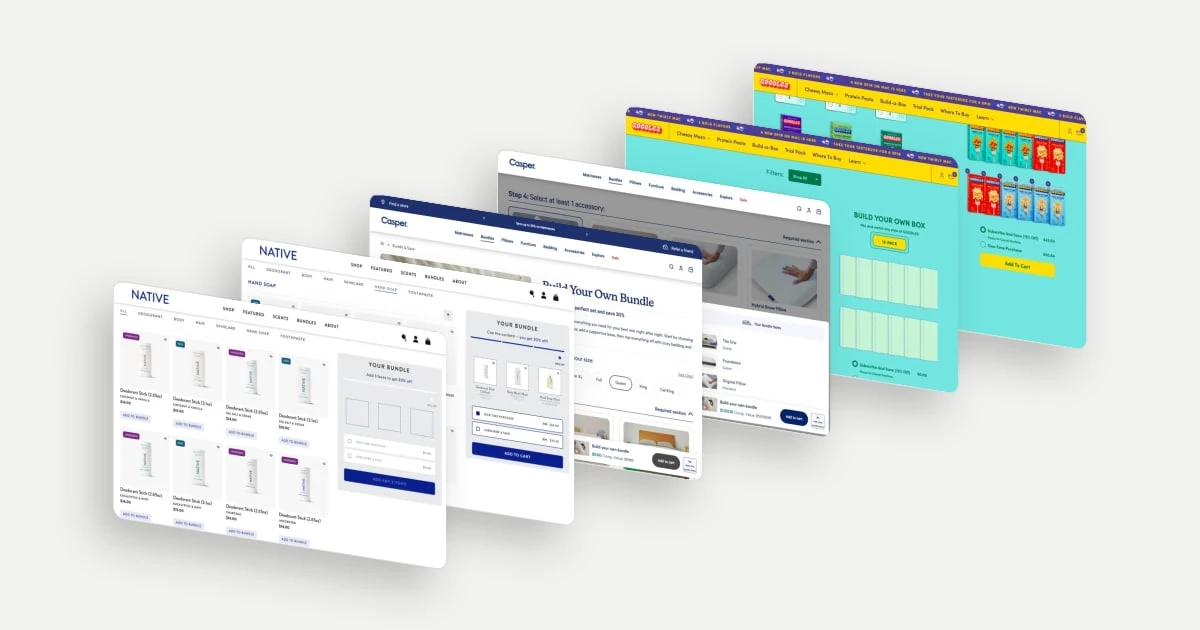
Native's builder keeps a three-item summary beside the catalogue. As products are added across deodorant, body wash and hand soap, the message changes from the initial requirement to the number still needed and finally to confirmation of the saving. The selected products remain named and pictured, so crossing a category does not mean losing sight of the set being assembled.
This supports a shopping task broader than buying multiples of one item: building a personal-care combination. The separate one-time and subscription prices then make purchase frequency another explicit choice. The recorded cart confirms the chosen products within one bundle.
Explore Native in the library.
2. Casper: organise a complete setup around dependencies
Casper starts with bed size and then breaks the bundle into mattress, base and accessory sections. Required sections are labelled, and the summary lists the chosen components with their sizes. That sequence reflects a real dependency: a coordinated sleep setup needs compatible pieces. It also makes a potentially large purchase easier to reason about one decision at a time.
The review panel is especially useful here because the buyer is assembling different kinds of products, not filling a box with interchangeable units. It gives the combined purchase a final shape before addition to the cart.
Explore Casper in the library.
3. GOODLES: turn a quantity requirement into visible spaces
GOODLES represents the twelve-pack as twelve spaces that fill with the selected flavours. Quantity controls on the flavour cards allow repeated choices, while the filled box makes the mix visible as a whole. The shopper does not have to mentally add several counters to understand the result. This suits a pantry purchase where someone may want more of a favourite and a few boxes of something different.
Once filled, the selected assortment sits beside one-time and subscription options. The box composition and the recurring agreement are related, but they remain distinct decisions.
Explore GOODLES in the library.
4. MOSH: connect bundle size to a concrete selection task
MOSH offers two-, three- and six-box sizes with different savings. Within the chosen size, the interface shows flavour slots and a message describing how many selections remain. A box-size decision therefore becomes a specific task rather than an abstract quantity adjustment. The recorded states also show how the total belongs to the selected tier and assortment.
For a food range, this makes variety part of the value proposition. A larger order can be a deliberate mix of preferences, not simply more units of a single flavour. That distinction helps explain why a builder may suit the product better than a quantity dropdown.
5. Glamnetic: show the next saving without hiding the current set
Glamnetic combines nail-shape filters with a bundle summary that labels savings milestones. The recorded three- and four-set states show both the chosen designs and the corresponding saving. This gives shoppers two useful views at once: whether they like the assortment and what a larger assortment would change commercially. The product images show the nails on hands, keeping the aesthetic decision close to the quantity decision.
The lesson is to keep the threshold specific. A shopper can judge one more desired style against a visible next tier, rather than interpreting an isolated maximum-saving headline.
Explore Glamnetic in the library.
6. Carpe: keep recurring terms beside the quantity incentive
Carpe places the chosen scents in a summary with a savings track, while the renewal interval and pause-or-cancel message remain near the action. The three- and four-item states show the next discount tier as the selection grows. That combines two commercial dimensions: the amount bought and the fact that the order recurs.
For a replenishable product, both need to be understandable. A shopper may like the choice of scents while still needing to assess the quantity delivered each cycle. This example is useful for studying how recurring information can remain part of the bundle decision, rather than becoming a separate surprise later.
7. Hismile: separate paid selections from the reward
Hismile divides the builder into paid-product selection, free-product selection and a final bundle summary. The recorded smaller tier asks for two products before the gift stage. The summary then lists the paid items and identifies the free item separately. This translates a promotional headline into a sequence the shopper can follow and verify.
The structure is particularly useful when the incentive is an additional product rather than a uniform percentage discount. The shopper gets to choose the reward, and the completed summary explains what the combined price represents.
Explore Hismile in the library.
Write the rules as part of the design brief
Before sketching a builder, define eligible items, minimum and maximum quantities, whether duplicates are allowed, how discounts apply and how unavailable variants behave. Include the empty, partial, complete and edited states. A progress indicator is only useful when it accurately describes those rules.
Make the selection reviewable before adding it to the cart. For a fixed-size box, that means counts and quantities; for a coordinated set, compatibility; for a recurring bundle, the future delivery arrangement. On mobile, check whether the selected-items panel competes with the products or purchase control for space.
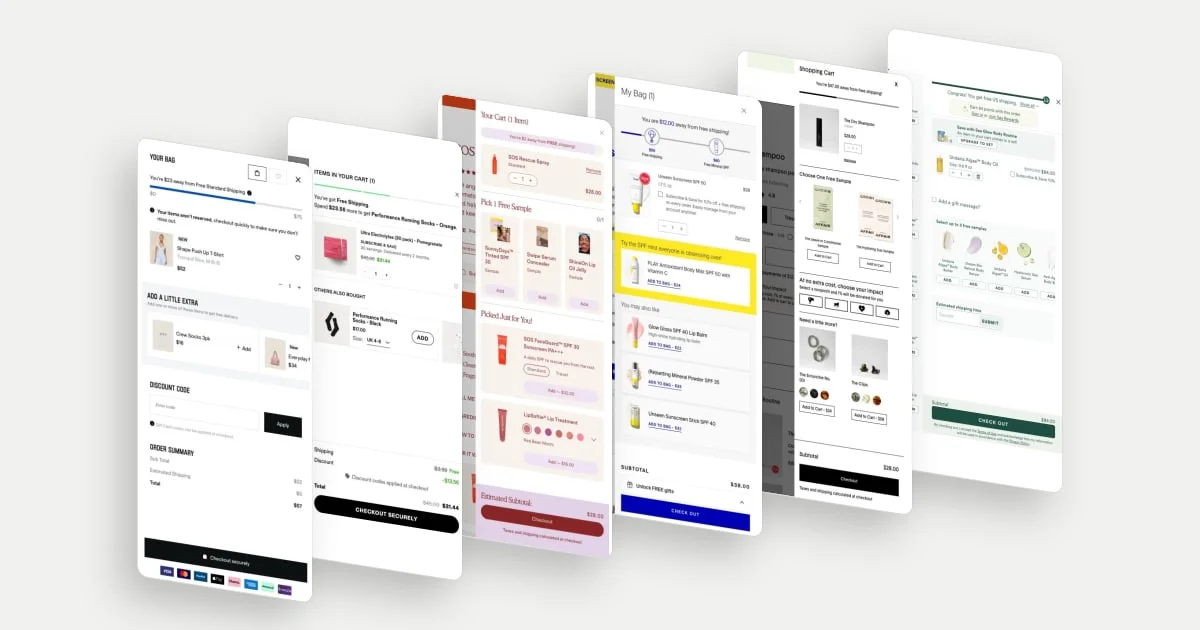
After the bundle is added, the basket needs to preserve those choices. See our cart drawer examples for ways to balance confirmation, relevant additions and a clear route to checkout.