A signup popup asks a shopper to pause one task and start another. Its first job is to make that exchange understandable: what will I receive, what do you need from me, and can I carry on shopping?
The most useful references are not always the ones with the biggest discount. Some make the offer precise. Others explain why staying in touch will be worthwhile, or ask a question that could make future messages more relevant.
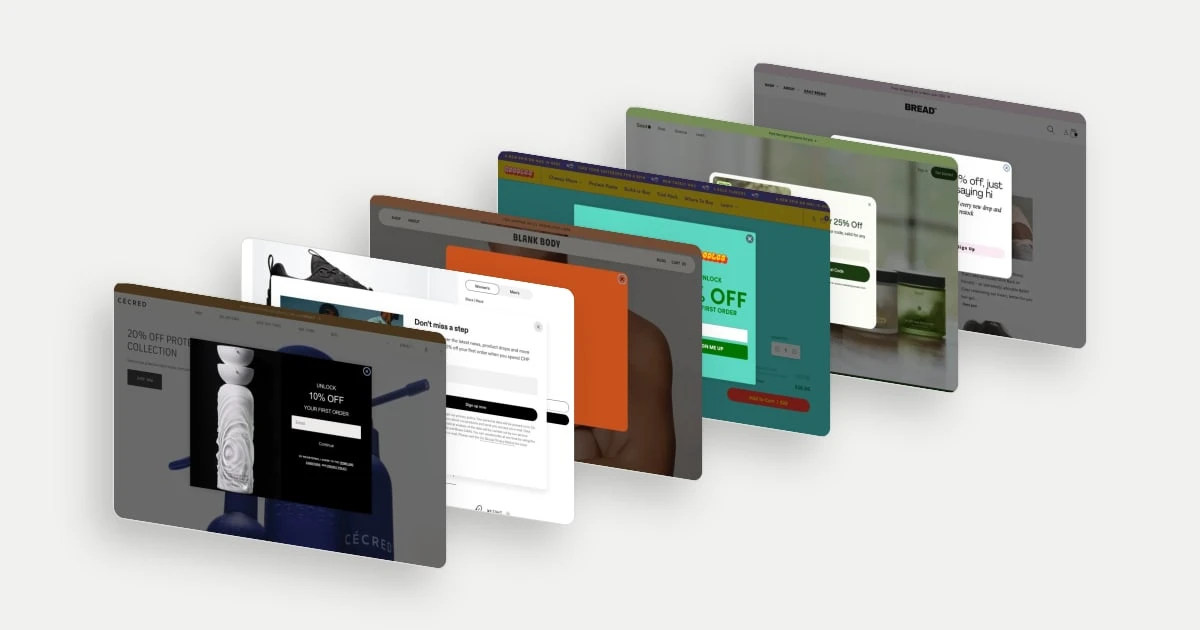
These ten captures show six email-entry forms and four question-led promotional steps. The latter are included as ideas for the start of a signup journey; their subsequent email screens and delivery of the offer were not inspected. All examples are dated desktop states. We do not infer when they appeared, who was targeted, or how well they converted.
Decide what the signup should accomplish
A discount can encourage a first order; launch updates give someone a reason to remain subscribed after using it. A preference question can support more relevant messages, provided the answer is actually used. These are different jobs, and a popup should make its main one clear.
Omnisend's popup guidance treats the offer, copy, form and targeting as connected choices. Our examples focus on the visible offer and form design. Timing needs separate observation: a screenshot cannot establish an exit trigger or a delay.
| Approach | Best suited to a brief about |
|---|---|
| Direct email form | Making the exchange quick and explicit |
| News and offers together | Giving subscribers a reason to stay beyond a coupon |
| Preference question | Learning something that changes follow-up content |
| Size or recipient question | Supporting a specific product-finding or gifting task |
Six email signup form examples
1. Cécred: keep the product part of the invitation
Cécred places a large sculptural bottle beside a short first-order offer and one email field. The product does more than decorate the form: it keeps the brand's packaging and visual character present while the visitor considers the incentive. The black panel gives the offer a distinct focus against the page behind it. This is a useful approach when the brand wants to introduce a promotion without making the signup feel detached from the product experience.
Explore Cécred in the library.
2. On: state the spending condition with the saving
On pairs news and product-drop updates with a first-order discount, and places the minimum-spend condition in the same paragraph. A visitor can assess whether the offer fits the purchase they are considering before entering an email. The sports image connects the invitation to the brand's wider world, while the copy supplies a reason to receive messages after the initial purchase. The commercial idea is a relationship that starts with an incentive but has something else to offer.
3. Blank Body Beauty: say exactly what the email address is for
Blank Body states that the first-order saving comes when the visitor signs up for email. The form asks for one field, and a separate Maybe later link makes postponing the decision visible. The warm orange panel fits the surrounding product presentation without adding another campaign story. Its strength is the clarity of the exchange: the incentive, the channel and the action can be understood together.
Explore Blank Body Beauty in the library.
4. GOODLES: keep appetite in the frame
GOODLES shows the prepared food beside its first-order saving. That matters because a shopper is not simply buying a colourful box; the meal is the experience the box promises. The brand's bright palette carries into the form and button, so the popup still feels like part of the store. The email field sits directly under the incentive, giving the visual appetite cue a clear next step.
Explore GOODLES in the library.
5. Seed: connect the invitation to the range
Seed combines several products in one photograph and describes the code as valid for any Seed product, with an accompanying qualification marker. The invitation is broad enough to fit someone still comparing the range. The Reveal Code button names the immediate outcome of submitting the form, while the consent line identifies marketing emails. This makes the signup's next step concrete without requiring the visitor to choose a product first.
6. BREAD: give the list a job after the discount
BREAD's form combines an introductory saving with news of drops and restocks. The conversational wording fits its brand voice, but the ongoing content promise is concrete. For someone interested in a particular release, availability information may be a more enduring reason to stay subscribed than another promotion. The restrained form also leaves room for that message to stand out rather than competing with several inputs or offers.
Four question-led popup examples
These examples show the invitation before an email field. Their value here is the question being asked, not a claim that a longer form always attracts better subscribers.
7. Dieux: ask about the need behind the visit
Dieux asks about skincare priorities, with choices that include dryness, sensitivity, tone, routine and sustainability. That creates a possible bridge between a broad promotion and a more relevant conversation. A visitor interested in building a routine may need different information from someone looking for a particular ingredient or concern. The useful strategic choice is asking in the visitor's language rather than starting with an internal product category.
8. ThirdLove: make the question specific to product fit
ThirdLove asks for band and cup size beneath a monetary offer. Those inputs are directly connected to the product choice, which gives the question a more concrete purpose than a generic demographic survey. The interface separates the two dimensions, reflecting how bras are selected. For a merchant, this is a useful example of asking for information that could support relevant availability or product suggestions, rather than collecting data simply because a form permits it.
Explore ThirdLove in the library.
9. Salt & Stone: distinguish self-purchase from gifting
Salt & Stone starts with a simple recipient question: myself or someone else. That distinction can change the advice a shopper needs. A self-purchase may begin with scent preference, while a gift purchase may depend on presentation, sets or recipient uncertainty. The product photograph preserves the premium presentation while the two buttons keep the question easy to scan. The capture shows a way to invite relevance without demanding a lengthy profile.
Explore Salt & Stone in the library.
10. Sweet Bee Organics: pair an incentive with a category interest
Sweet Bee's invitation offers free delivery and asks which product category interests the visitor. The choices give the question a practical purpose across a range that spans several needs. Free delivery also frames the incentive around the cost of receiving an order, rather than lowering a particular item's displayed price. Product imagery and hands handling the jars keep the invitation grounded in a physical product experience.
Explore Sweet Bee Organics in the library.
Judge the whole journey, not the first click
Before adopting a pattern, review its trigger, every form step, success message, offer delivery and return to shopping. Check the mobile keyboard state, readable conditions, close control and keyboard access. A good-looking desktop panel does not verify any of those behaviours.
Choose the smallest amount of information that earns its place. One preference question can be useful; several unanswered questions can become work before the visitor has understood the product.
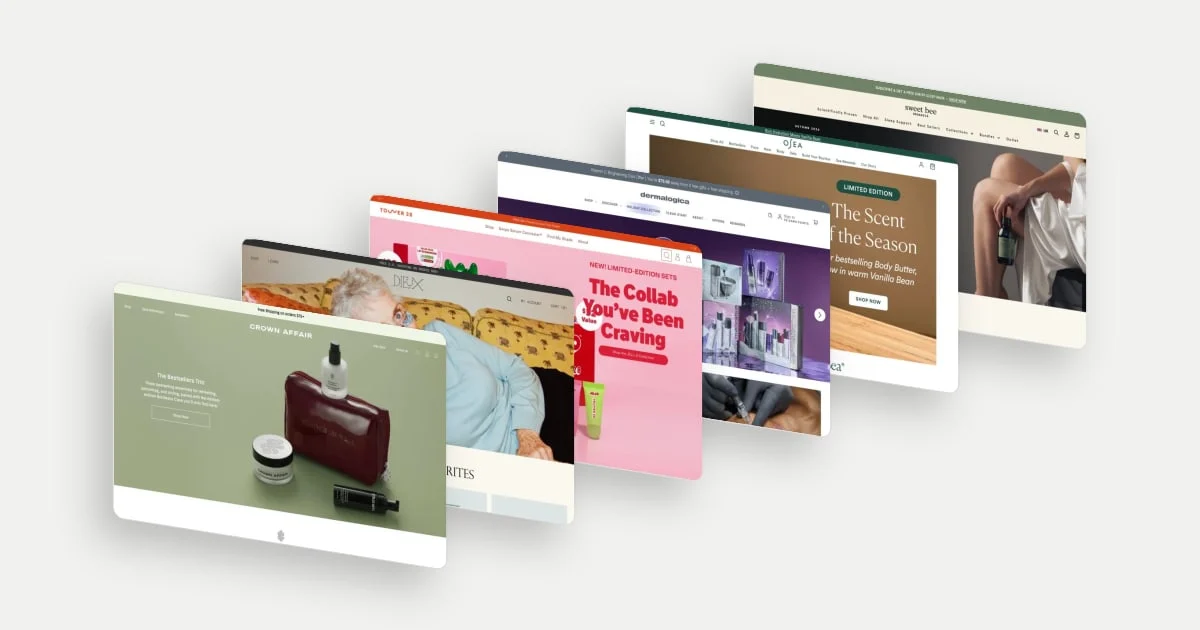
For the experience around the popup, explore our beauty homepage examples. The invitation should support the site's product discovery and brand story, with a clear route back to both.